
Beyond the Filing Cabinet: What Document Management Actually Saves You
Estimated reading time: 2 minutes
Table of contents
Document Management for Small Offices with DocuWare
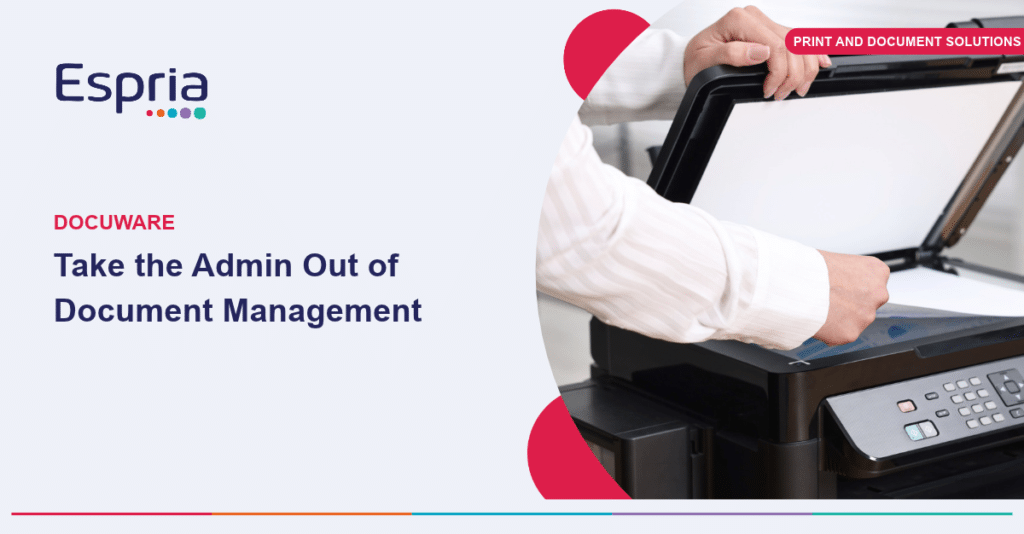
For many small offices, document management still means a filing cabinet, a shared drive with inconsistent folder names, and a lot of time spent searching for the one contract or invoice somebody needs right now. DocuWare replaces that with a structured, searchable system that sits behind your everyday paperwork.
What does DocuWare mean in practice?
- Documents scanned, emailed, or generated are automatically filed and indexed, rather than manually sorted
- Full-text search finds a document in seconds, rather than someone remembering which folder it might be in
- Approval workflows, for invoices, purchase orders, or HR forms, run automatically rather than being chased over email
- Access is controlled, so sensitive HR or financial documents are only visible to the right people
Giving Office Managers time back
For an Office Manager who is often the person holding the whole administrative process together, this is time back. Fewer interruptions to find a document for a colleague, fewer delays chasing an approval, and a much lower risk of an important document being lost, misfiled, or left on someone’s desk.
Less paper, greater control
It also reduces reliance on paper itself, supporting both security and environmental goals, since printing is reduced when documents can be reviewed, signed, and approved digitally.
Start with the process that causes the most friction
DocuWare is not a large IT project. For a business of this size, it is typically a phased rollout starting with the highest-friction process, invoicing being a common starting point, before extending to other document types.
Ready to take the hassle out of document management?
Get in touch with our team to see how DocuWare could simplify your day-to-day processes.
You may be interested in
Copilot vs. Claude
Why Microsoft 365 Copilot fits every day work A plain-English guide for people trying AI at work: what Copilot does, how it differs from a separate assistant such as Claude and where to start. The short answer Claude is a separate AI workspace. Copilot sits inside the Microsoft apps many teams already use and can work with the emails, files and meetings each person is allowed to access. A separate assistant helps when: Copilot helps when: – You need help creating or developing content from scratch. – The task is focused research, reasoning or code….
Microsoft is changing Copilot billing. Here’s how to stay in control of AI costs
From 1 December 2026, new Microsoft 365 Copilot Business purchases through CSP will come with usage-based billing already configured. At first glance, that might sound like another variable cost for IT and finance teams to manage. But it also gives businesses a practical way to access the next generation of Copilot experiences while retaining control over who can use them, how much they can spend and where that money goes. This matters because Copilot is changing. New experiences such as Copilot Cowork are designed to carry out larger, multi-step pieces of work. That creates more…

Phishing just got personal
AI-powered phishing attacks are becoming harder to detect, with increasingly sophisticated emails bypassing traditional security controls. As a result, organisations are placing greater focus on Human Risk Management, recognising employee behaviour as a measurable cybersecurity risk. SecureLearn, powered by KnowBe4 and fully managed by Espria, helps businesses reduce human risk through continuous security awareness training, phishing simulations, targeted coaching, and board-ready reporting that demonstrates improvement over time.

The Hidden Environmental Cost of Office Printing
Most offices know that reducing paper is good for the environment, but few have visibility over what their printing actually costs in resources: energy, paper, and consumables. A managed print service brings sustainable office printing into focus by measuring what is actually happening, rather than estimating it. Every printer left on standby overnight, every unnecessary colour print, and every cartridge thrown away with usable toner left inside adds up. For a business printing several thousand pages a month, the difference between an efficient and inefficient setup can be significant, both in cost and in environmental…

Is Your Office Printer a Way In for Cybercriminals?
Most small businesses think of cyber security as a laptop problem, a server problem, or an email problem. The office printer rarely gets a mention, yet it is connected to your network, holds a hard drive, and processes some of the most sensitive documents in the business, from invoices to HR letters and client contracts. However, it is important to realise that office printer vulnerabilities can be exploited by cybercriminals, potentially leading to cyber attacks. A modern multifunction printer is a computer. It has an operating system, a network connection, often Wi-Fi, and increasingly a…

The Cyber Resilience Act: what it means for your business
By Stephen Cook From 11th September 2026, a new EU regulation starts changing how connected products and software are built, sold and supported – and UK businesses trading into Europe are firmly in scope [1] [2]. Here is what the Cyber Resilience Act actually requires, why it matters beyond the compliance paperwork, and how Espria helps clients meet it. What is the Cyber Resilience Act? The Cyber Resilience Act (CRA) is an EU regulation – Regulation (EU) 2024/2847 – that sets mandatory cybersecurity requirements for “products with digital elements.” In practice, this covers hardware and software that can connect to a device or network: IoT devices,…