
Microsoft 365 services
Microsoft 365 is a suite of cloud-based applications that enable businesses to work more efficiently and productively. Whether you need to create documents, collaborate with your team, communicate with your customers, or manage your data, Microsoft 365 has a solution for you and Espria is here to help with adoption of these services in the most efficient way for your business.

Trusted by:











Email migration
Moving your existing email data from an on-premises or hosted server to the cloud-based Exchange Online service can help you reduce costs, improve security and access your email from anywhere.
Espria has extensive experience of migrating business email into Exchange Online, from on-premises servers and other cloud services, while minimising any disruption to your business.
This is a relatively low-risk migration process with minimal impact on staff that can be performed over a period of time to ensure the business is ready and full testing has been performed and completed before the on-premises server is decommissioned.
SharePoint quickstart
Typically, the next step in a business’ cloud journey, after migrating email, is the adoption of SharePoint Online for file storage and collaboration, but due to the highly flexible configuration permutations and options, many IT teams are unsure how best to start this project to gain the most benefit to the business without jeopardising future capabilities.
This is where the Espria SharePoint QuickStart service can help.
Following a number of years working with our clients to understand their initial SharePoint requirements we have noticed a common theme within the majority of projects. These requirements generally include the following:
- A branded central area for company news and information
- Access to company resources, such as HR forms and benefits information
- Access to external links such as payroll and expense applications.
- A clear document library structure which is easy to navigate
- Training to ensure administrators and staff can make the most of SharePoint.
Espria has developed SharePoint QuickStart to perform this initial configuration, to provide a foundation for businesses to quickly benefit from SharePoint and associated technologies.


Data security - IAM, DLP, retention and encryption

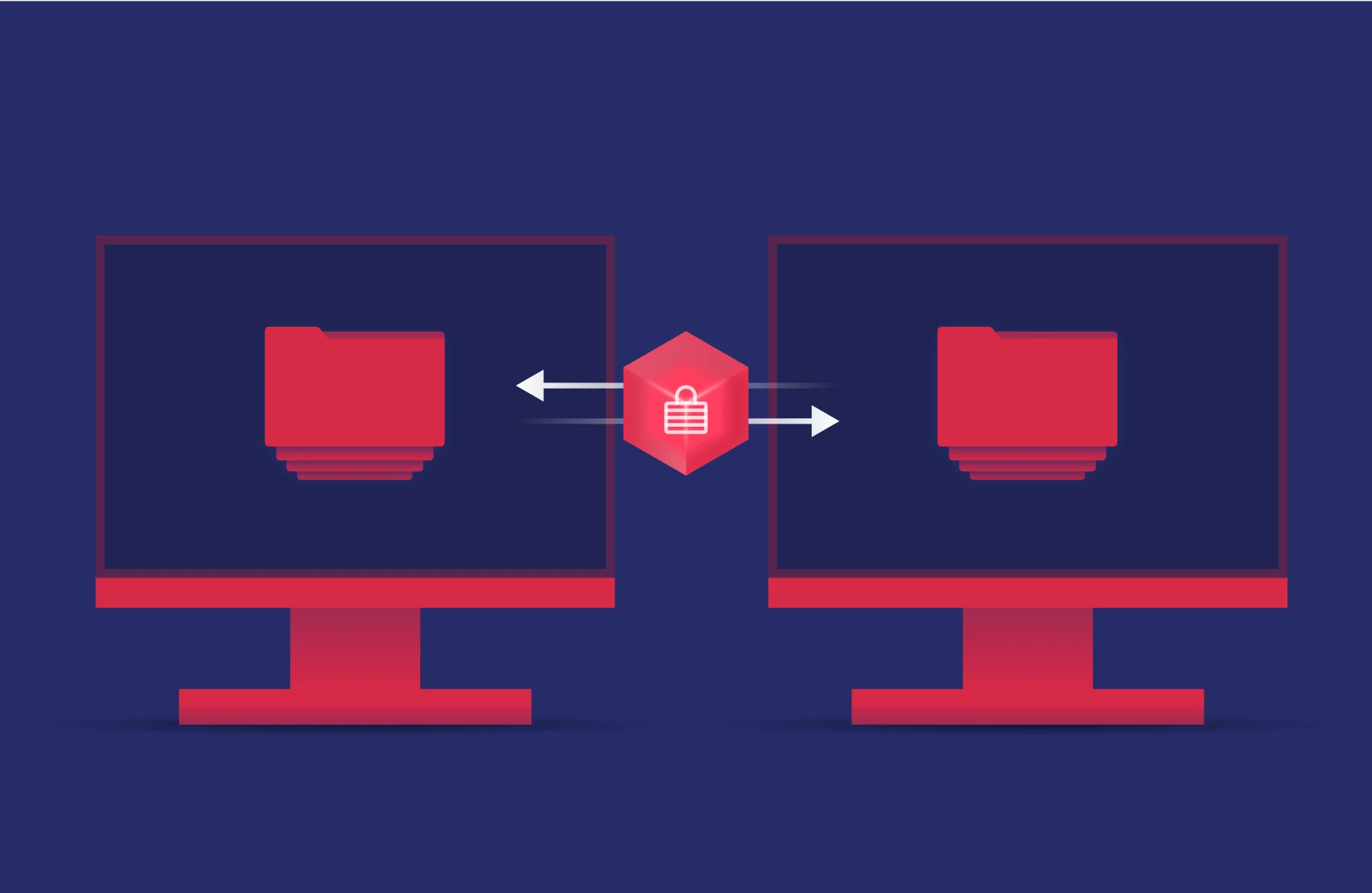
Intune – Autopilot, MDM, MAM, device patching
Microsoft Intune is a cloud-based client management solution hosted in Azure. Intune uses policies to secure and control client devices, allowing lockdown, customisation, application management and patching. Intune can manage Windows 10/11, macOS, iOS, iPadOS and Android operating systems.
Windows Autopilot is a set of technologies in Microsoft Azure and Microsoft Intune to allow cloud driven provisioning of new devices. By pre-registering devices in Windows Autopilot, an IT administrator can perform all of the configuration in Microsoft Intune, to achieve the following:
-
Automatically join Azure AD
-
Automatically enrol in Intune
-
Customise out-of-box-Experience
This allows devices to be delivered directly to an end-user, automatically configured when the user signs in. This can save a lot of time compared with a manual process. Updating of images will no longer be required once Windows devices are managed with Intune.
The actual control of the user experience is configured in Intune, where machines can be locked down, managed and joined to the on-premises Active Directory. This will also allow Windows Updates to be managed, removing the requirement for on-premises solutions such as WSUS.
MDM – By using Intune for managing the mobile devices, you will be able to leverage much greater conditional access control, which can be configured to provide a smoother end user experience without compromising security. Intune can also be integrated with Apple specific technologies such as Apple Business Manager or Apple School Manager to enable Automated Device Enrolment.
MAM – Policies can be created to configure Mobile Application Management including App Protection Policies for both Microsoft and non-Microsoft apps. The App Protection Policies enable the protection of data within managed apps and can also manage apps on non-enrolled (BYOD) devices.
Microsoft Intune can deliver granular control of all aspects of the endpoint by allowing the creation of separate policies for each required configuration. These policies can be assigned to different groups of machines to allow easy testing and the appropriate controls applied to machines used by different teams.
Espria can create and configure Intune Policies to control and maintain Windows, Apple and Android devices, including the following areas:
- User Experience
- Lockdown
- Application Deployment
- Patch management
Trusted by:
Cloud backup
As Exchange Online and other Microsoft 365 services are used more we highly recommended a Cloud Backup solution be investigated to enable recovery of data in the event of an outage or corruption.
Although a cloud solution provides highly available, globally accessible services and removes the requirement to manage and patch local file and application servers it does not provide backup protection for your data in the event of corruption or deletion. Therefore, a backup for Microsoft 365 is highly recommended to protect any data migrated into the cloud, by backing up a copy of your data to an alternate location.
Espria SaaS2Cloud (powered by CloudAlly) provides a simple, automated daily Microsoft 365 backup service for Exchange mail. This business email backup software ensures you can both quickly recover data (email backup, calendar, contacts and tasks) from any point in time as well as export your archives for local storage. SharePoint Backup protects all your SharePoint sites, Teams, and OneDrive data with automated daily SharePoint/OneDrive backup, to secure Amazon S3 storage.
The restore process is non-destructive, allowing you to recover data without overwriting existing information. Drill down through backups by date or keyword search to quickly locate and recover individual items, or restore an entire site for a complete point-in-time recovery. Data can be restored to the original site or another preferred site. With a single click, archives can be exported for onsite storage if required.
Expore our case studies

Supporting the NAHT remotely
Founded in 1897 as the National Federation of Head Teachers’ Associations, in 1906, the organisation became the National Association of Head Teachers, or NAHT for short.

City Hire
City Hire is an independent tool and plant hire company supplying the construction industry since 1989. With a focus on high-quality equipment, reliable service and industry-leading technology,

Vercity – Ensuring Business Continuity & Security into the Future
Vercity provides a range of financial management & consultancy services, and they required an IT vendor to provide industry insights and help keep their data secure.
Team17 – Using Power BI to Improve Reporting & Business Decision Making
A multi-award-winning video game development company got in touch with Espria to discuss improving their reporting and utilisation of their data.

The Development Bank of Wales – Managing a Laptop Refresh Project
The Development Bank of Wales is a public sector finance company employing almost 300 people based in Wales. Espria were engaged to manage a laptop refresh project.

National Association of Head Teachers – Managing a Move to the Cloud
Following the pandemic, NAHT was able to expedite its long-term plan to go fully cloud-based and complete the move from their bricks and mortar head office to the cloud in 2023.
Explore all of our IT capabilities
From everyday IT services to project delivery, our solutions flex and scale to meet your needs.

Managed services
Transition your IT management for tailored solutions that allow your team to focus on core priorities.

Project delivery
Switch to expert-led project delivery for guaranteed results across your digital transformation needs.

Flexible resource
Bridge skills gaps with cost-effective specialists that integrate with your team to impart knowledge and drive success.

Technology purchases
Optimise IT investments with smarter hardware and software tailored to you.